 smashthebunny
DEEN
smashthebunny
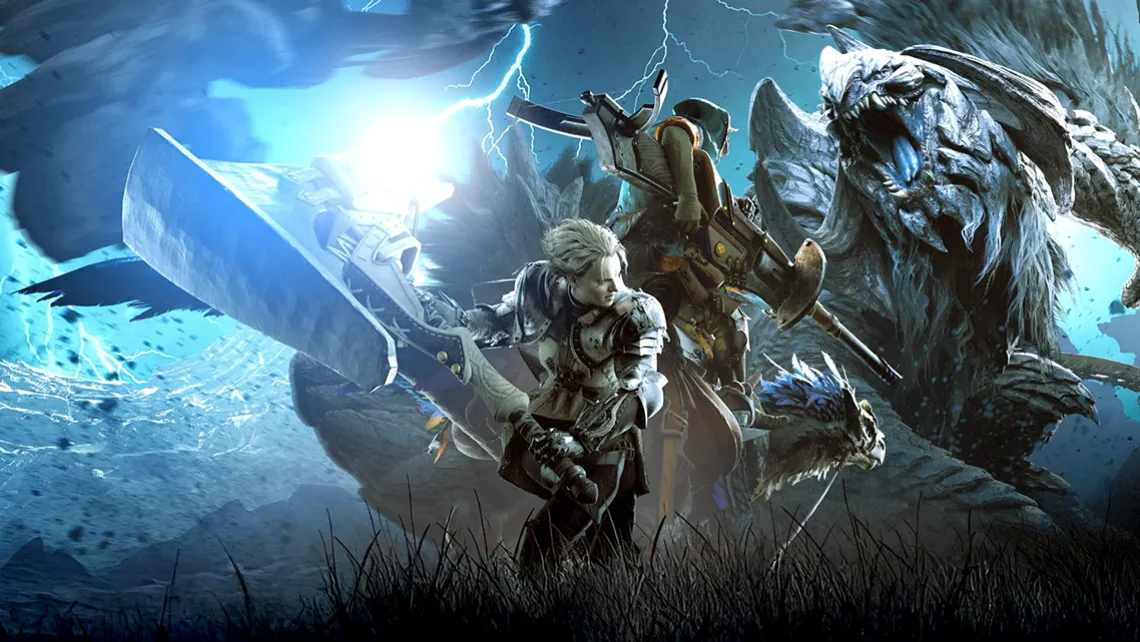
Monster Hunter Wilds offers many opportunities to play with other players. Whether in open quests, connection groups, or open lobbies, there are many ways to meet new players and go hunting with them. But what if you want to play with returning players or a fixed group? That's where hunting groups come in. Adding Squads We work with a dynamic hunting group in the stream, which means that we kick members out after each stream so that those who find each other in a stream can play together, and there are often over 50 members. You definitely need a hunting group so that you can join the hunting group lobby. In your options menu, go to the third tab. Options and navigate down to " Manage Squads " - Here you go to Add New Squad. There you select " Search for Squad ID " - Our current hunting group ID is " 3E4BY5E7 ". Join the lobby Once you have joined the hunting party, you can join via Alma or the quest counter in the lobby. At the quest counter, switch to the last tab. " Change lobby Menu " - there you choose Lobby-Search and afterwards" Lobby Search ". After that, the hunting group lobby should be selectable and you can join the quests.
Monster Hunter Wilds ist ein tolles Spiel, welches zugleich doch sehr komplex sein kann. Um einen besseren Überblick und ein besseres Spielgefühl zu bekommen, gibt es einige Einstellungen im Spiel, die man vornehmen kann, damit einem der Einstieg in Monster Hunter etwas einfach gelingt. Diese Einstellungen sind natürlich optional und unterliegen immer dem eigenen Empfinden. Satte Farben Options > Display > Brightness > Minimum luminosity 0 > Minimum luminosity 20 > Overall luminosity 5 This setting ensures that the colors look richer and fuller and not milky white. Fixed maps With this option you can ensure that your cards do not rotate and that North is always displayed at the top. Manual movement With this setting, your Saikrii does not simply start running when you ascend, but is first manually set to start running mode. No zoom in combat With this setting, the distance from the camera to the player always remains the same and does not zoom in during combat.
 Sign in with Twitch